
How to pay your invoices
Last updated:
At nublue we don't take payment over the phone, this can be managed within your billing panel at https://billing.nublue.co.uk/.
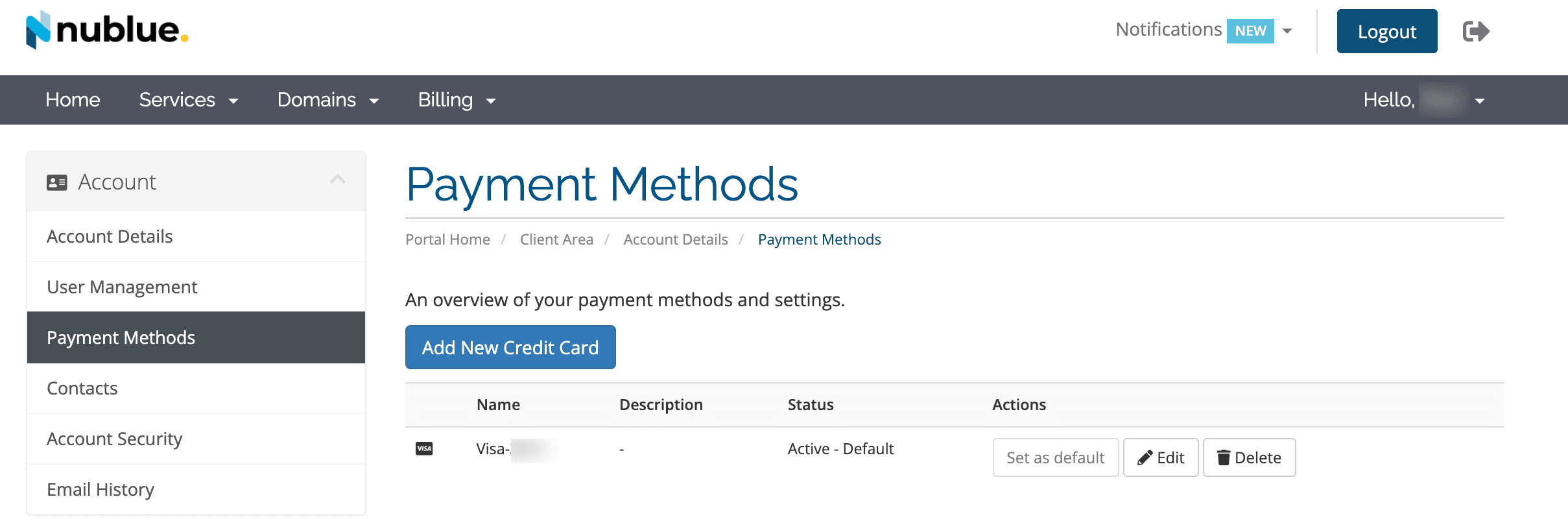
Within the billing panel, click Billing > Payment Methods > Within here you can add new cards, edit cards, delete cards on file along with setting the default card which takes automatic payment.
If you wish to pay via bank transfer, please email us at [email protected] and we can relay on our bank details to you. When making a payment, please reference the invoice number on the payment.
Was this article helpful?
Thanks for the feedback! Glad it helped.
Sorry to hear that. What could be improved?
Thanks for your feedback — we'll use it to improve this article.